The Art of Capturing Serenity: Photography Tips for Tranquil Landscapes
6 January 2026
There’s something magical about tranquil landscapes—the way the morning mist kisses the mountains, the soft ripples of a quiet lake, or the golden hues of a sunset dipping below the horizon. Capturing that serenity in a photograph? That’s an art in itself.
If you’ve ever taken a picture of a beautiful scene only to realize it lacks the peace and depth you felt in the moment, you’re not alone. Photography isn’t just about snapping what’s in front of you—it’s about telling a story, evoking emotion, and, in this case, capturing stillness in a way that moves the viewer.
Let’s dive into some essential photography tips to help you create breathtaking, tranquil landscape shots that not only look good but also feel good.
1. Find the Perfect Location
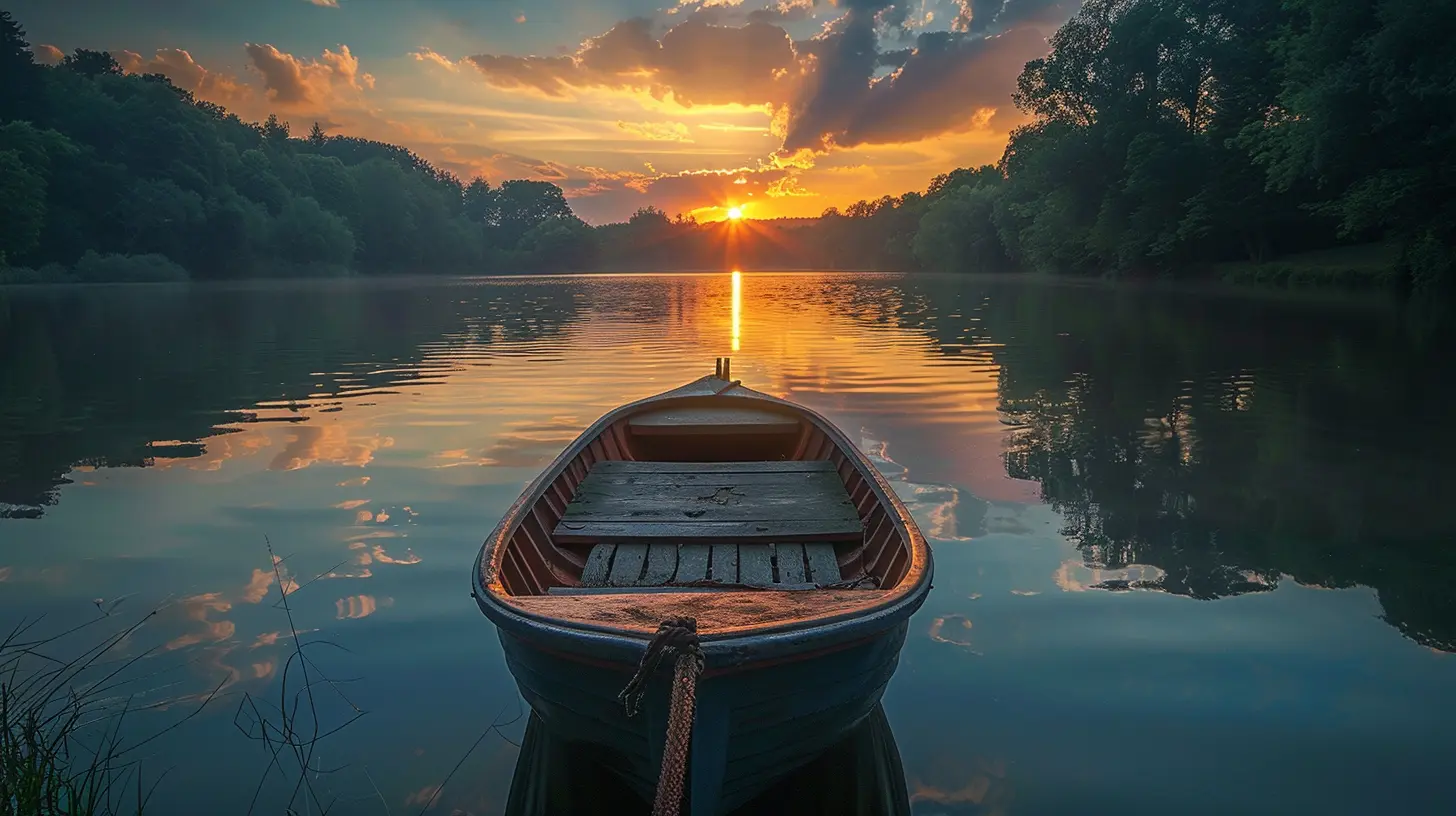
Great photos start with great locations. Tranquil landscapes are everywhere, from secluded beaches to foggy forests, but finding the right spot requires patience and a bit of exploration.- Look for natural symmetry – Reflections on lakes, balanced compositions, or leading lines such as winding rivers or pathways can add harmony.
- Scout locations during different times of the day – The same place can look vastly different at sunrise, midday, and sunset.
- Use apps like Google Earth or PhotoPills – These can help you discover new spots and plan your shots based on lighting conditions.
2. Timing is Everything
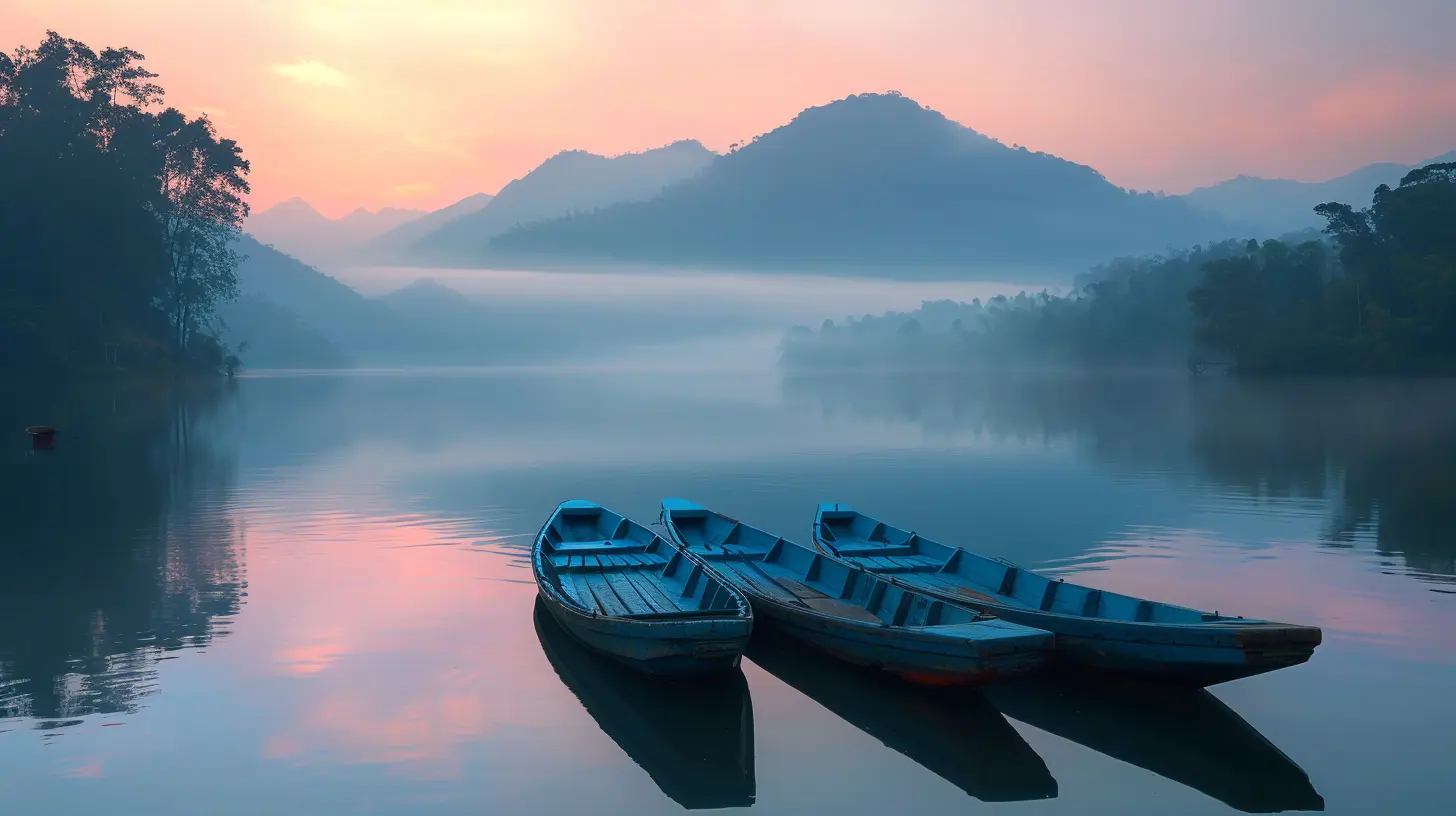
Nothing screams serenity quite like the golden hour—those precious moments just after sunrise and just before sunset. But don’t overlook the blue hour either!- Golden hour (soft, warm light) – Reduces harsh shadows and enhances tranquility.
- Blue hour (just after sunset, before sunrise) – Adds cooler tones with a peaceful, moody ambiance.
- Overcast days – Clouds act like a giant softbox, diffusing light for a calm, even tone.
3. Master Your Camera Settings
Understanding your settings can make or break your shot. You don’t need the most expensive camera, but knowing how to control your gear is key.- Use a low ISO (100-200) – This keeps noise to a minimum, resulting in cleaner images.
- Shoot in aperture priority (A/Av mode) or manual mode – A wider aperture (f/8-f/16) ensures sharpness throughout the scene.
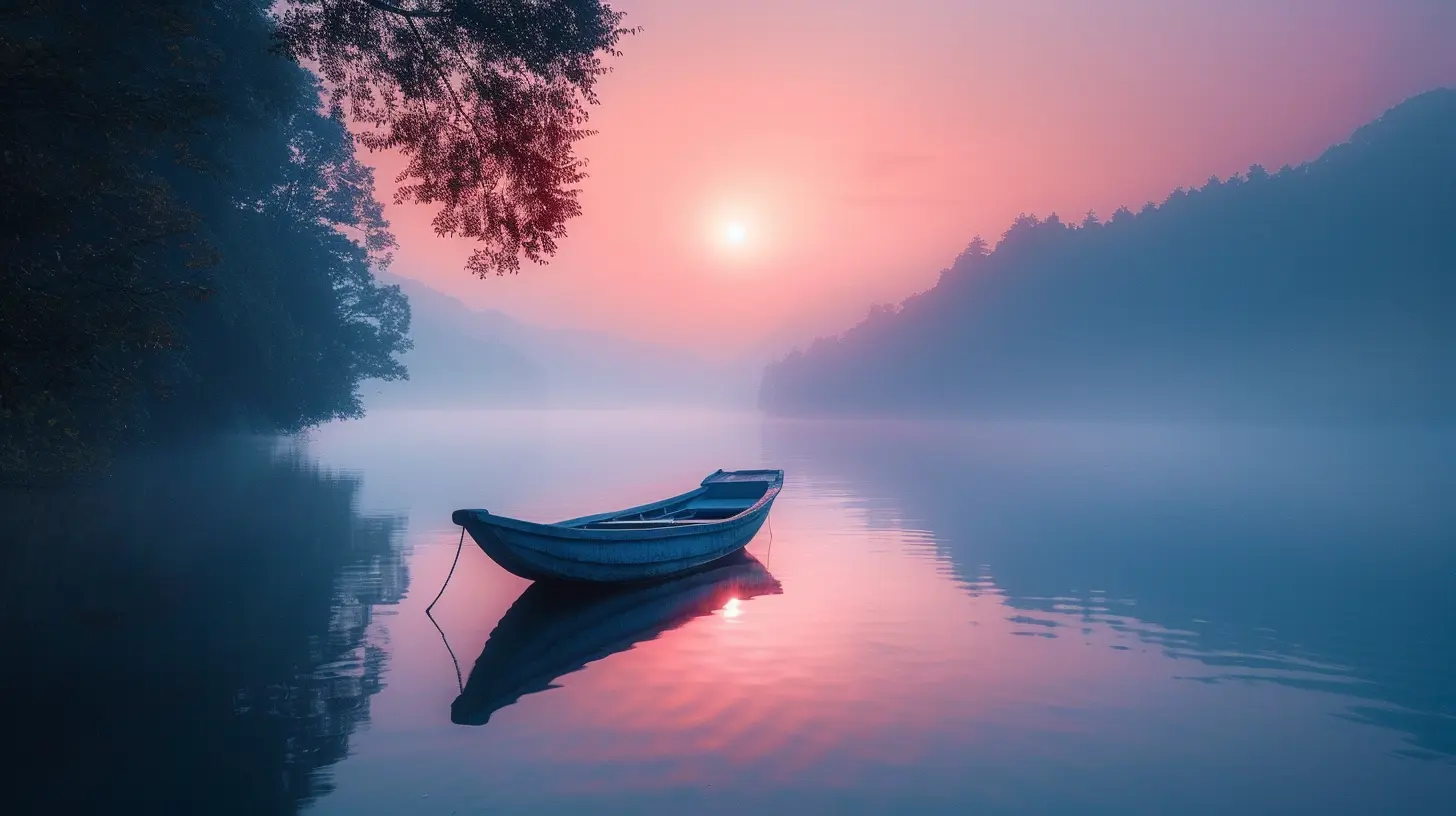
- Slow down your shutter speed – If there’s moving water or clouds, a slower shutter can create a dreamy effect.
If you’re serious about capturing stunning landscapes, a sturdy tripod is a must. Longer exposures require stability, and a shaky hand isn’t going to cut it.

4. Composition: The Secret Ingredient
A peaceful photo needs thoughtful composition. It’s not just about what you shoot but how you frame it.- Rule of thirds – Imagine your frame split into nine equal sections (tic-tac-toe style). Place interesting elements along these lines or intersections.
- Leading lines – Roads, rivers, fences—use them to guide the viewer’s eyes into the scene.
- Negative space – Leaving some empty space (e.g., a vast sky, a foggy landscape) enhances minimalism and tranquility.
- Foreground interest – A rock, fallen leaf, or reflection can add depth and perspective.
5. Play With Reflections and Water
Water is an underrated storytelling tool in photography. A perfectly still lake mirrors the sky, doubling the beauty of a scene. Even moving water can work wonders—use a long exposure (1-10 seconds) to give rivers and waterfalls a silky effect.For ultimate serenity, find calm bodies of water and ensure there’s no strong wind to disturb the reflections.
6. Use the Right Gear (But Don't Overcomplicate)
A good camera helps, but you don’t need a suitcase full of lenses to capture peaceful landscapes. Here’s what really matters:- Wide-angle lens (16-35mm) – Captures more of the scene for a grand, immersive feel.
- Polarizing filter – Cuts glare, enhances colors, and deepens sky blues.
- ND filter – Essential for long exposures during daylight without overexposing the shot.
And don’t forget comfortable hiking shoes—you might be chasing serenity off the beaten path!
7. The Power of Minimalism
Sometimes, less is more. Instead of cramming too many elements into your frame, simplify the scene. A lone tree in an open field, rolling hills with a single winding road, or soft waves lapping an empty shore—these evoke peace effortlessly.Before clicking, ask yourself: What’s the main subject? Is there anything distracting? If yes, move, zoom, or adjust your frame.
8. Focus on Mood and Emotion
Ever wonder why some photos just feel peaceful? It’s not just about the scene—it’s about the mood.- Soft lighting creates a calming effect.
- Muted or pastel colors enhance tranquility (avoid excessive saturation).
- Fog or mist softens a scene, adding mystery and stillness.
Think of mood like the background music of an image—it sets the tone without words.
9. Post-Processing for the Perfect Vibe
Editing can bring out the serenity in your photo without overdoing it. A few simple tweaks in Lightroom or Photoshop can make a world of difference:- Adjust highlights and shadows – Soften harsh contrasts for a smoother look.
- Enhance blues and greens – Slightly boosting these colors makes nature pop.
- Lower clarity slightly – Adds softness for a dreamier effect.
- Remove distractions – A random person, a bright sign—use tools to declutter.
The goal? Keep it natural while emphasizing the peaceful essence of the landscape.
10. Be Patient and Soak in the Moment
Photography isn’t just about capturing beauty—it’s about experiencing it. Sometimes, the best shots require waiting—maybe for the perfect light, the mist to settle, or a moment of complete stillness.Don’t just chase the photo; enjoy the process. Breathe in the fresh air, listen to the wind rustling through the trees, and let nature work its magic.
After all, a truly serene photo starts with a truly serene photographer.
Final Thoughts
Capturing tranquil landscapes is more than just pointing a camera at a pretty view. It’s about feeling the scene, understanding light, mastering composition, and sometimes, just waiting for that perfect moment.Whether you're standing at the edge of a still lake, watching fog roll over the hills, or witnessing the quiet dance of golden light at sunset, remember—serenity is an art, and you’re the artist.
So grab your camera, embrace the stillness, and start capturing the beauty of a peaceful world, one frame at a time.
all images in this post were generated using AI tools
Category:
Photography TipsAuthor:

Shane Monroe
Discussion
rate this article
2 comments
Faith Hayes
This article masterfully blends photography techniques with the essence of tranquility, offering practical tips that elevate landscape photography. Emphasizing light and composition, it inspires both novice and seasoned photographers to explore serenity.
January 31, 2026 at 3:34 AM
Shane Monroe
Thank you for your thoughtful comment! I'm glad you found the tips helpful and inspiring for capturing tranquility in landscape photography.
Lyra McKee
Mastering tranquility in photos requires patience; sometimes the perfect shot unfolds when you simply pause and observe.
January 9, 2026 at 5:39 PM
Shane Monroe
Thank you! Patience truly is key in capturing the essence of tranquility—it's all about being present in the moment.