Gear for Staying Connected on Remote Travel Adventures
2 February 2026
Let’s face it—going off the beaten path is exhilarating. Whether you’re hiking through the Himalayas, kayaking in Alaska, or camping in the heart of the Sahara, those remote travel adventures fire up the soul. But here’s the thing: staying connected while you’re out chasing horizons can be a bit of a challenge, right?
No internet cafes. No cell towers. Sometimes not even a decent power outlet in sight. Still, it’s 2024, and we’ve got some pretty amazing gear to help you stay plugged in—without sacrificing the spirit of adventure. So grab your trek shoes and a cup of coffee, and let’s talk about the must-have gear for staying connected even in the middle of nowhere.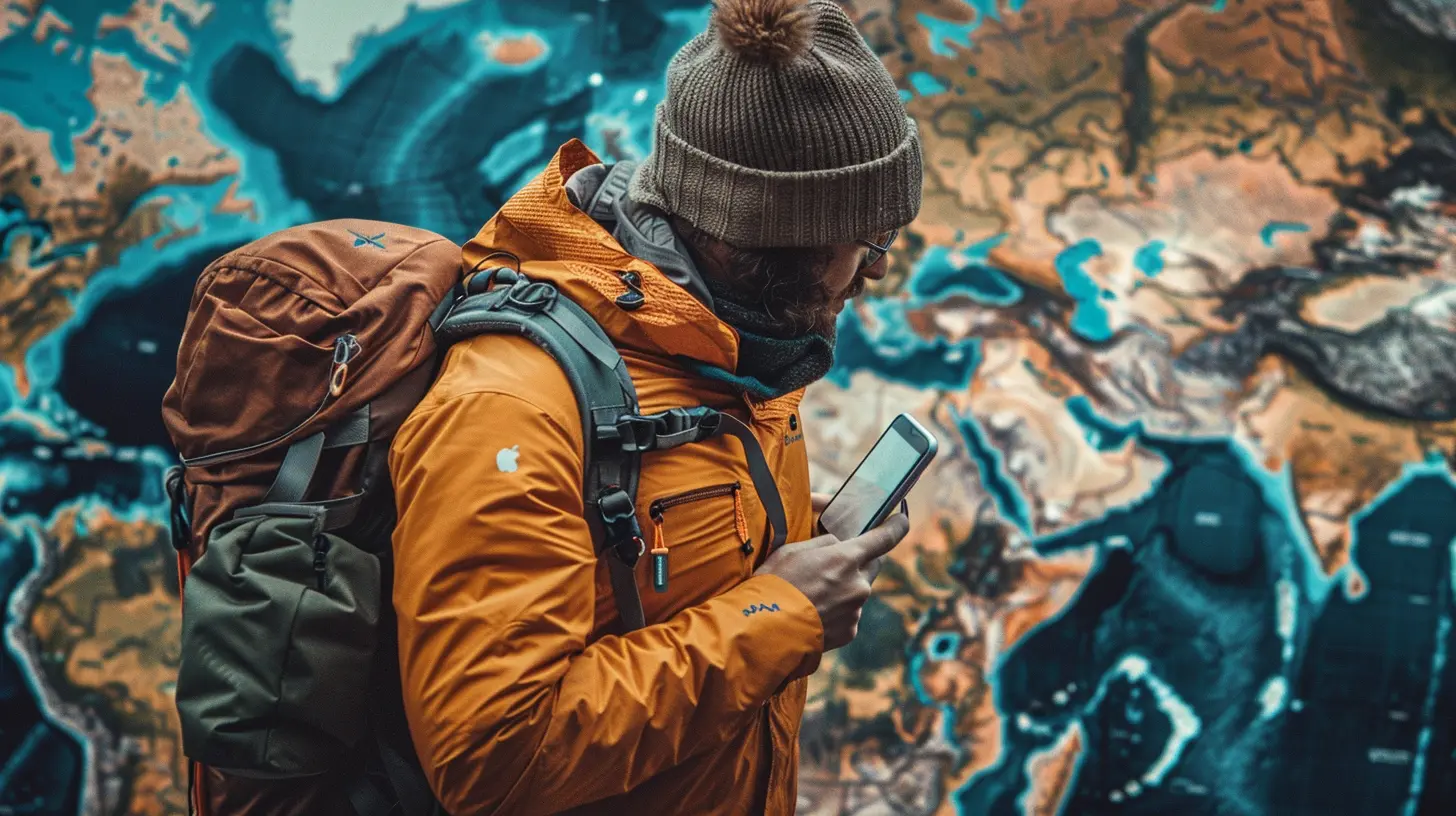
Why Staying Connected Matters
Before we dive into the tech talk, let's chat about the big “why.”Sure, unplugging is healthy. We all love the idea of a digital detox. But sometimes, being connected is not just about scrolling through Instagram. It’s about safety, navigation, keeping loved ones updated, or even handling work while you're chilling in a treehouse in Costa Rica.
Plus, remote doesn’t have to mean cut off anymore. You can share your journey, call for help in a pinch, or even schedule Zoom calls from a mountaintop (not that we recommend it, but hey, it’s possible 🤷♀️).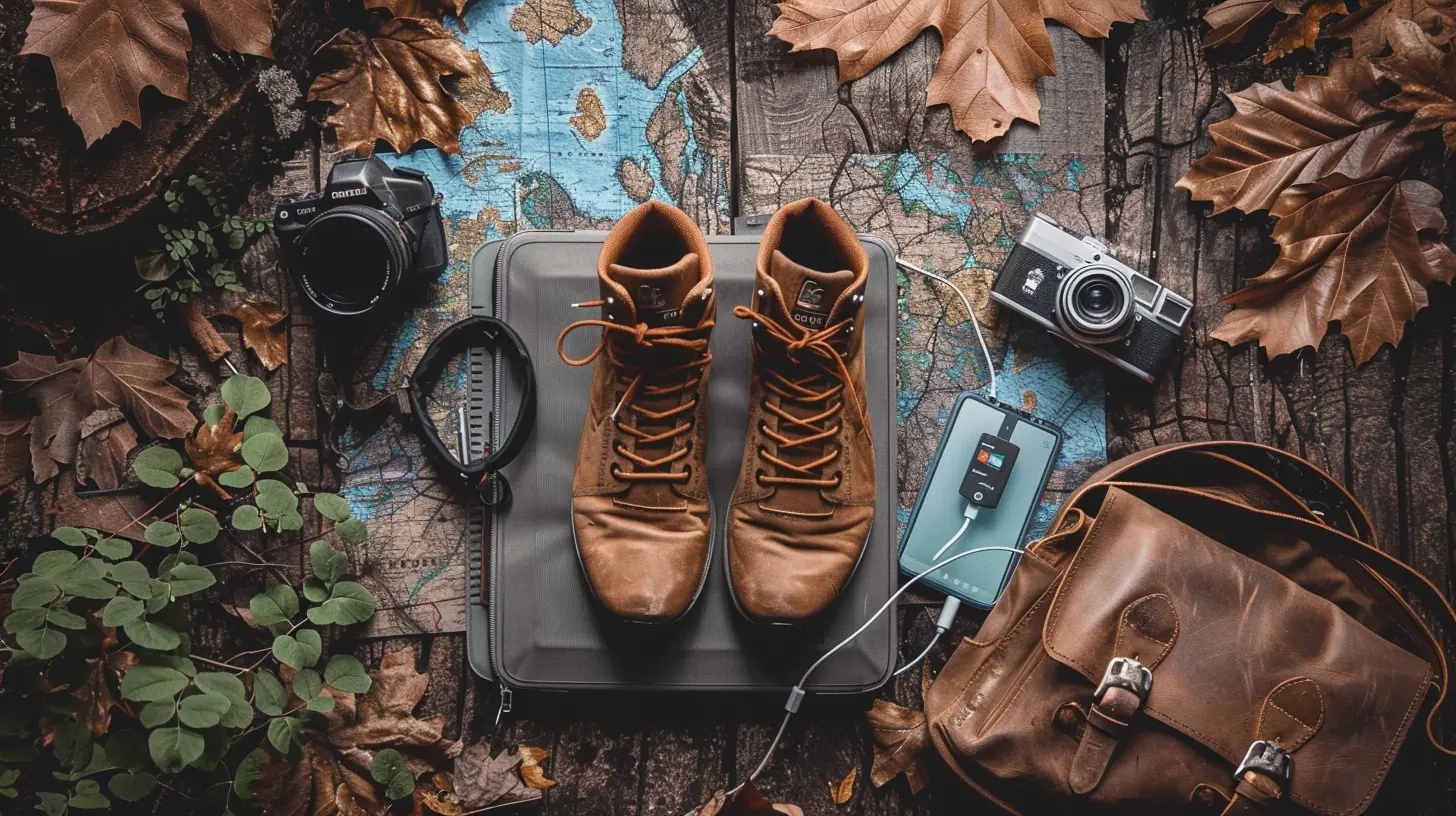
Key Categories of Travel Connectivity Gear
To fully grasp what you’ll need to stay connected, it helps to break it down into three main categories:1. Communication Devices
2. Power Sources
3. Connectivity Tools (Internet & Data)
Yep, that simplifies things. Now let’s unpack each one with actual gear you can toss into your backpack.
1. Communication Devices
Let’s kick off with the backbone of staying connected—your actual devices. Think phones, satellite messengers, walkie-talkies (yes, they're still a thing), and tablets.✨ Smartphone (Unlocked & Rugged)
First things first—your smartphone. Sounds obvious, but not just any phone will cut it. You’ll want an unlocked device so it can run on any local SIM while traveling internationally. Bonus points if it’s rugged or at least has a durable case.Pro Tip: Invest in a phone with dual-SIM capability and long battery life. The Samsung Galaxy XCover and CAT phones are designed for tough environments.
🛰 Satellite Messenger: Garmin inReach Mini 2 or ZOLEO
When cell service vanishes, satellite messengers step in like the superheroes of the digital age.These little guys use satellites to send and receive messages from just about anywhere. You can even ping your GPS coordinates to someone back home or call for help in an emergency.
- Garmin inReach Mini 2: Lightweight, reliable, and offers interactive SOS.
- ZOLEO: Budget-friendlier, with a user-friendly app interface.
📻 Two-Way Radios / Walkie-Talkies
In areas where you’re moving in a group and cell coverage is zilch, two-way radios can be a godsend. Great for short-distance communication while hiking or exploring.Look for waterproof, long-battery models like the Motorola Talkabout T600.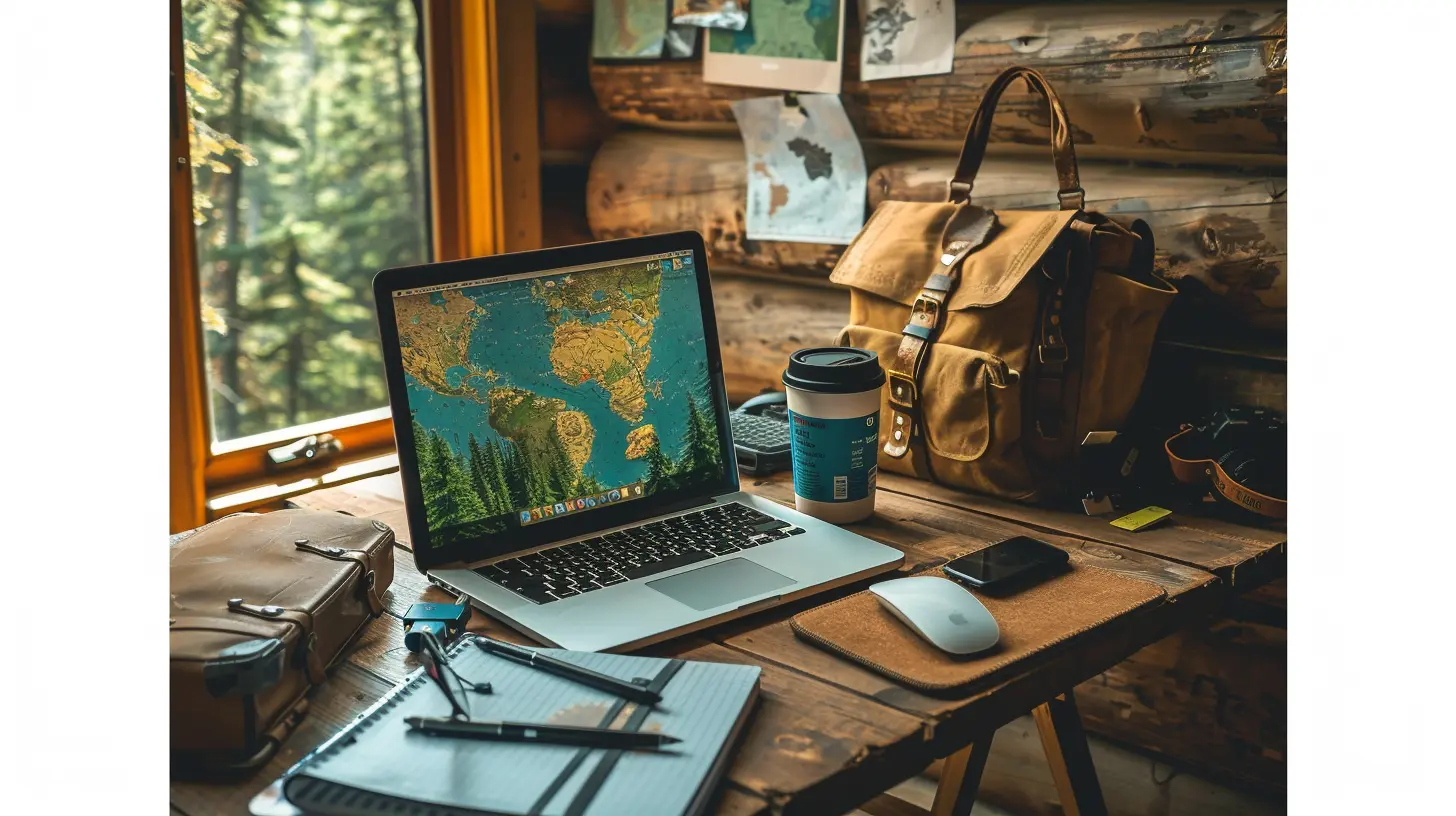
2. Power Sources: Because Dead Batteries Are Useless
No power = zero communication. Simple math, right? Keeping your devices charged in remote areas is your second big priority.Here’s what will keep the electrons flowing.
☀️ Solar Panel Chargers
Sunshine = fuel. Portable solar panels are lightweight, foldable, and perfect for topping off your battery bank at base camp.- Goal Zero Nomad 10 or 20: Reliable and packable.
- BigBlue 3 USB Solar Charger: Offers good wattage for its size.
🔋 Power Banks
Solar is great in theory, but what if you're inside a cave or it's raining for days? Enter: power banks.Opt for high-capacity models (20,000mAh or higher) that can charge your phone multiple times.
- Anker PowerCore 26800: Fast charging, airplane-friendly.
- BioLite Charge 80 PD: Designed for outdoor use with USB-C support.
🔌 Portable Power Stations
Okay, these are a bit bulky, but if you're camping in one spot for a while or traveling in a van, they’re worth the weight.- Jackery Explorer 300 or 500: Can charge cameras, laptops, drones, and more.
- EcoFlow River 2: Offers fast charging and handles multiple devices at once.
3. Connectivity Tools (Hint: Internet on the Go)
This is the juicy bit. How do you get online when you’re miles from anywhere? Believe it or not, you’ve got options.🌍 Portable Wi-Fi Hotspots (With Global SIM Support)
These are like your personal pocket-sized internet routers. Just pop in a local or global SIM card and bam—you’ve got Wi-Fi.- Skyroam Solis Lite: Offers unlimited international data with daily passes.
- GlocalMe G4 Pro: Has a built-in touchscreen and works in 100+ countries.
Perfect for casual browsing, uploading photos, or responding to urgent emails.
📡 Satellite Internet: Starlink Roam
Okay, this is the big guns. If you need serious bandwidth in seriously remote places, Starlink Roam by SpaceX is currently rocking the game.You’ll need a bit of setup time, but it’s surprisingly portable and can handle video calls, streaming, and uploading large files. Ideal for digital nomads or remote workers who need more than just a few mbps.
Bonus Gear (Stuff You Didn’t Know You Needed)
Sometimes, the little things make all the difference. These gadgets might not scream “essential,” but trust me, you’ll be glad to have them.🎒 Cable Organizer
Tired of tangled cables? Get yourself a waterproof tech pouch. It keeps all your cords, chargers, and USB gadgets neat and tidy. Less time fishing through your bag = more time enjoying the view.🧠 SIM Card Organizer
If you're hopping countries and swapping SIMs, carry a compact SIM case with a SIM ejector tool. Life-saver.🔧 Universal Travel Adapter
Even the best gear won’t help if you can’t plug it in. Look for an adapter with USB ports, surge protection, and support for multiple regions.Let’s Talk Strategy
Now that your toolkit's filled with awesome gear, let’s chat strategy so you’re not just buying stuff but actually making the most of it.🗺 Plan Your Connectivity Zones
Use apps like Maps.me or Offline Google Maps to download key areas in advance. You can also check ahead for areas with satellite coverage or basic cell reception.🔋 Conserve Battery Like a Pro
Battery life is precious. Use airplane mode when you're not using your phone, dim the screen, close background apps, and invest in power-saving apps.📡 Schedule Check-Ins
Don’t feel like you need to be online 24/7. Schedule check-in times to message loved ones or post updates. That way, you balance connectivity with immersion in the adventure.Real Talk: When to Disconnect
Yes, this whole article is about staying connected. But sometimes, it’s okay to unplug for a while.Leave a note with your itinerary. Set expectations with loved ones or your job. And then allow yourself the freedom to simply be in the moment.
Because when you're standing under a sky full of stars in the middle of the desert, no signal in the world can compete with that.
Final Thoughts
So there you have it—your digital survival kit for staying connected on remote travel adventures.From pocket-sized satellites to sunshine-powered chargers, staying online today is more possible than ever. The trick? Pick the gear that fits your needs, keep it light, and always have a backup plan.
Get the right tools, plan ahead, then head out with peace of mind (and maybe a solar panel strapped to your backpack). Happy adventuring—and hey, don’t forget to send a postcard, digital or not.
all images in this post were generated using AI tools
Category:
Travel GearAuthor:

Shane Monroe
Discussion
rate this article
2 comments
Coral Webster
Essential gear ensures seamless connectivity on adventures!
February 11, 2026 at 6:06 PM
Shane Monroe
Absolutely! Having the right gear is crucial for staying connected and safe during remote adventures.
Gideon Coleman
Great insights! Staying connected while traveling is vital for safety and sharing experiences. The right gear makes all the difference in remote adventures. Thanks for the tips!
February 3, 2026 at 3:33 PM
Shane Monroe
Thank you for your kind words! I'm glad you found the tips helpful for staying connected during your adventures! Safe travels!